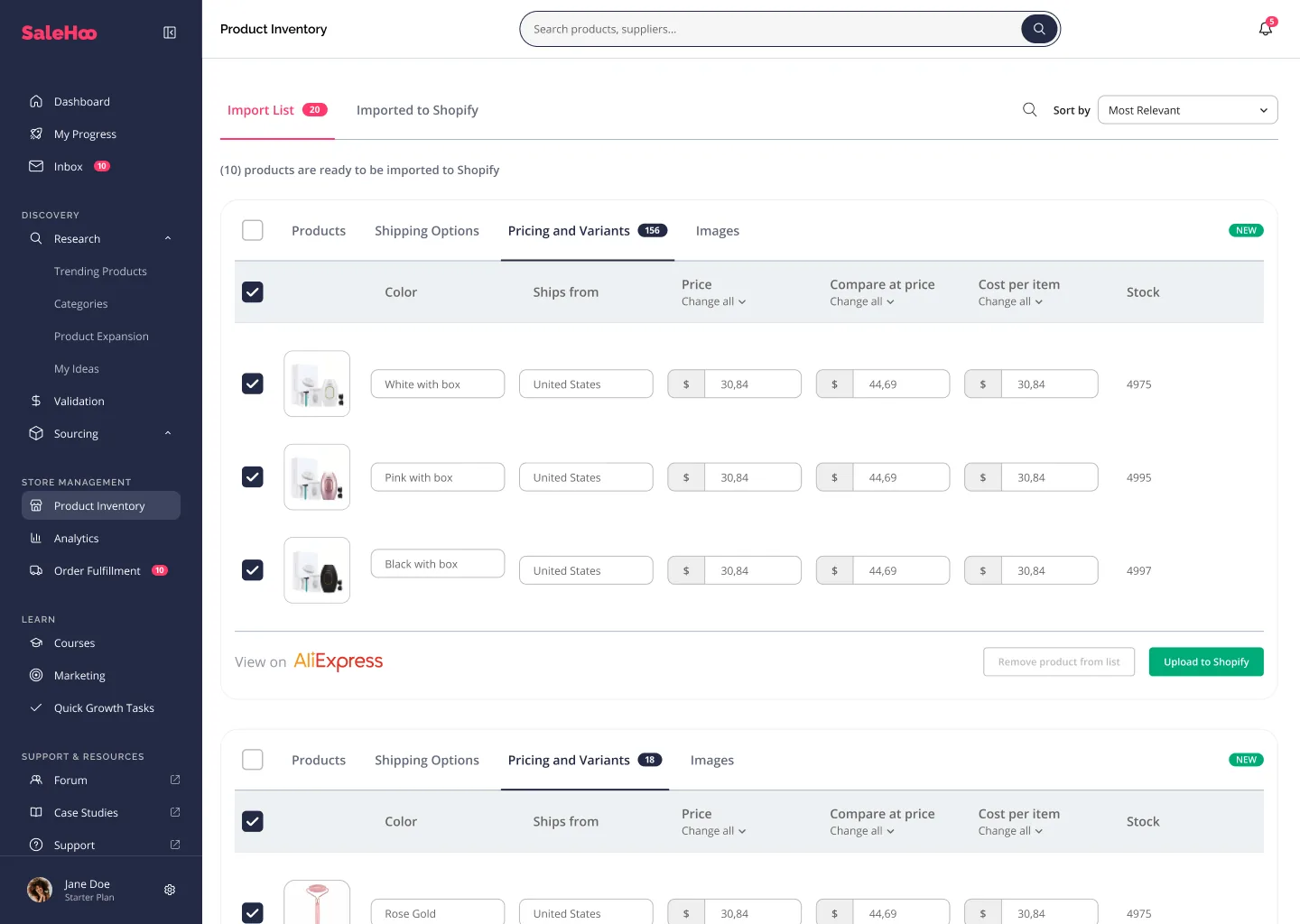
Shopify sellers can evaluate SaleHoo Dropship for direct import and synchronization tools, while the Directory can introduce suppliers with other feed or integration arrangements.
Prepare your store first
Set up payment methods, shipping zones, store policies and product tax settings. Decide which country you are selling into and which fulfillment times customers expect.
Write minimum standards for supplier cost, delivery windows, packaging and returns. An appealing product photo alone is not sufficient to launch a listing.
Test an import end to end
Choose one low-risk product, check variant names and media, import it, then compare the Shopify product record with the supplier's current data. Check how inventory, price changes and discontinued items propagate.
Place a controlled test order and document tracking and customer notifications. If a supplier's own plugin is involved, ask whether it changes fulfillment behavior.
Keep customer promises accurate
Only advertise dispatch times and return terms you can deliver. Build a process for supplier delays and disputes. Shopify automation does not transfer your merchant responsibilities to a directory.
Revisit the test after significant app or plan changes so your public listings stay aligned with reality.
Before you publish your first imported product
Use a Shopify development or test workflow to inspect the imported SKU and all variants. Ensure your description accurately reflects the supplier product, and confirm the photographs and trademark references may be used. Test product options, weights, tax and shipping classes, and the store policy displayed to customers.
Review the source-to-store cost difference. Automatic price rules do not guarantee a sustainable margin if shipping surcharges, payment fees, advertising costs, returns or currency conversions are omitted. Record a worst-case calculation before making a product available. Inventory syncing also needs an exception process for feed delays and overselling.
Place a controlled sample order where permitted and follow each handoff: storefront checkout, supplier confirmation, actual dispatch time, carrier tracking, customer notifications and a refund scenario. Write down who is accountable for a delay, damage or lost parcel. A functioning import button does not prove the full order path works.
Questions buyers ask
Do I need to test a real order?
Yes. A controlled order helps reveal issues with tracking, fulfillment, notifications and costs that an imported listing cannot show.
Can I connect three Shopify stores on Starter?
The published Starter comparison lists one store and Pro lists up to three. Verify current limits before planning a multi-store rollout.
Who handles customer complaints if the supplier ships?
The merchant must still meet customer promises and applicable rules; verify the supplier’s escalation and returns arrangements.
The most reliable way to evaluate a sourcing product is to match its limitations to your actual business workflow.
Review our supplier checklist →References & fact-check sources
SaleHoo product specifications are taken from vendor materials. General sourcing advice is our editorial interpretation, not an account-level performance test.
Compare the current SaleHoo offering
Check the latest product details directly with the vendor. This is an independent site.